

Street Groove AI Video Generator
Street Groove AI video generator. Animate rhythmic street steps and coordinated arm moves. Preview the effect and animate your photo with SyndredVideo.
Street Groove
Template previewRelated templates
View all
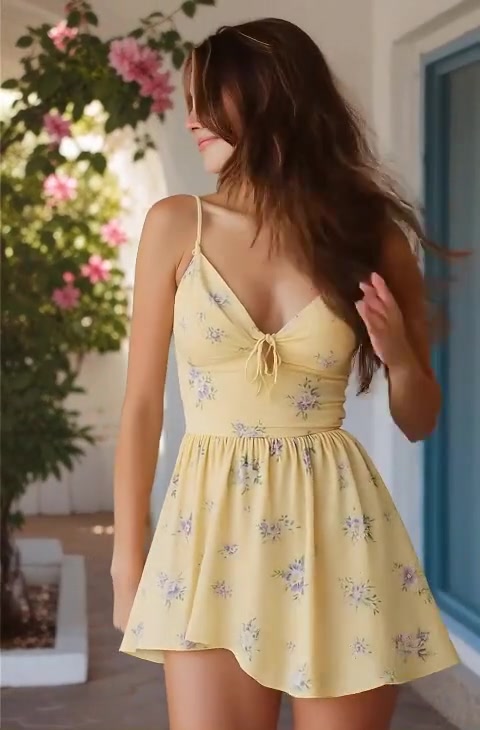
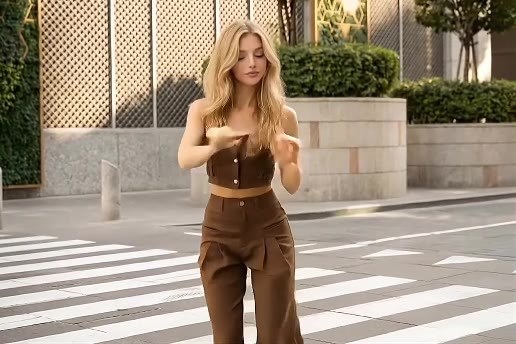

About Street Groove
Street Groove turns a still image into a short scene using a prepared motion recipe. A full-body street shot follows the reference person doing a relaxed dance: step to one side, roll the shoulders, sweep an arm beside the head, turn a quarter circle and smile back at the camera. Keep foot contact and body proportions coherent.
Start with a clear image of the subject shown in the preview. Leave room around the subject for the movement rather than cropping tightly. The preview illustrates the intended scene; your upload becomes the visual reference for a new generation, so framing, details and motion can vary.
How it works
Choose a clear image
Upload a clear image of the subject shown in the preview. Keep the main silhouette visible and avoid heavy blur or objects covering important details.
Review the scene and settings
Watch the Street Groove preview and read the supplied scene prompt. Choose an available aspect ratio and duration, then check the displayed credit cost before submitting.
Generate and review
Confirm your rights to the upload, sign in and start the task. Follow its status on this page, play the completed result and check its details before downloading a version you want to use.
Frequently asked questions
- What should I upload for Street Groove?
- Use a clear image of the subject shown in the preview. This template has one image upload slot; for a two-person scene, put both subjects in that image. Choose material you have permission to edit.
- Can I change the motion prompt?
- This template uses a fixed scene recipe, which you can read and copy in the form. For a different action or setting, open the image to video tool and write a custom motion prompt.
- Will my result match the preview?
- The preview shows the intended Street Groove scene. AI creates a new clip from your upload, so appearance, timing and background can change. Complex poses, small faces or occluded limbs may introduce visual errors.
- Where are duration, format and credits shown?
- The generation form shows the available model, supported durations, aspect ratios and credit cost. The sample video’s length can differ from the generation settings; review the selected options before starting a task.